
What is Spiro Media?
Spiro Media is a business software that is designed specifically for real estate photographers and real estate agents to make appointments, send/pay invoices, and deliver content all in one place!
How it works for you…
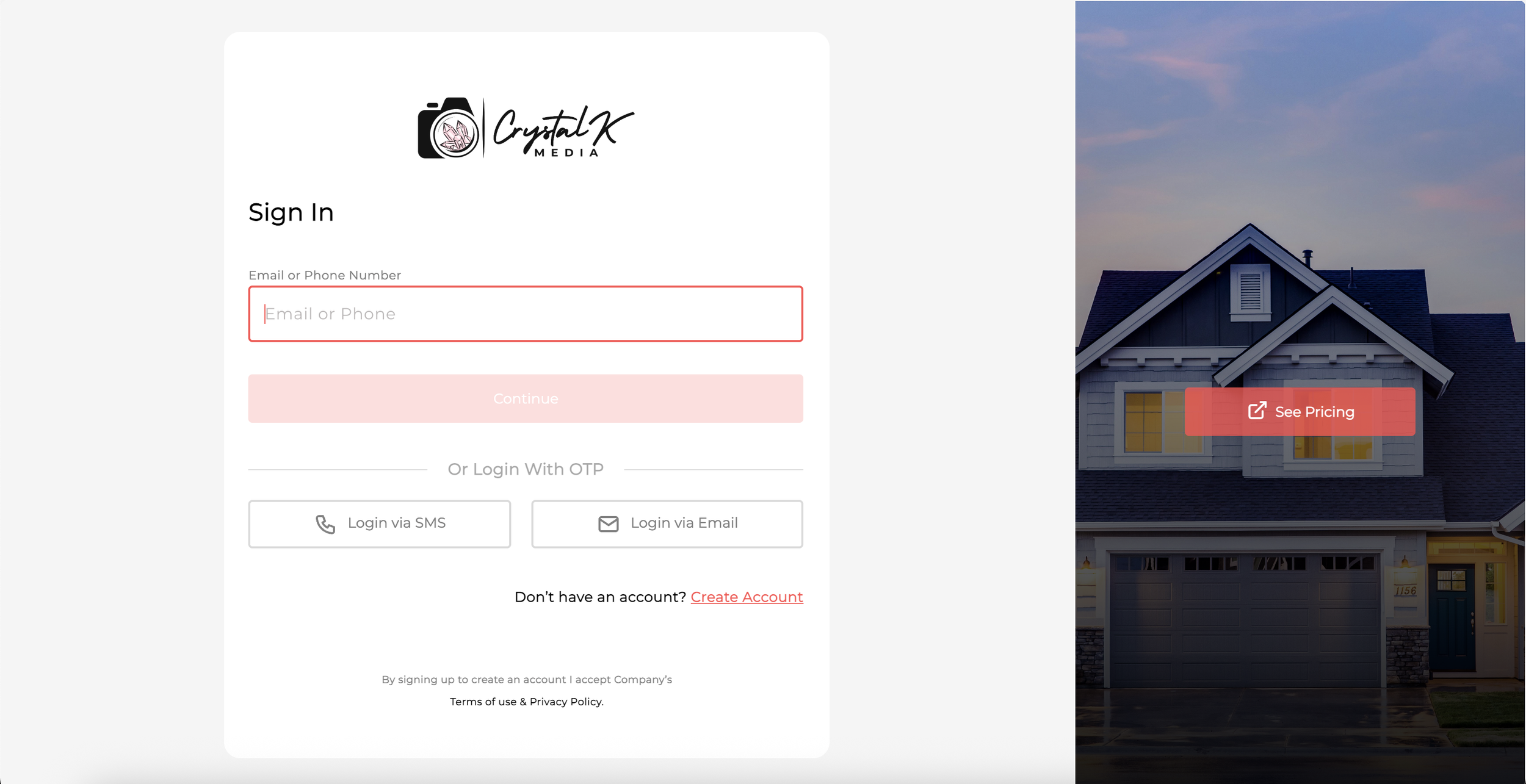
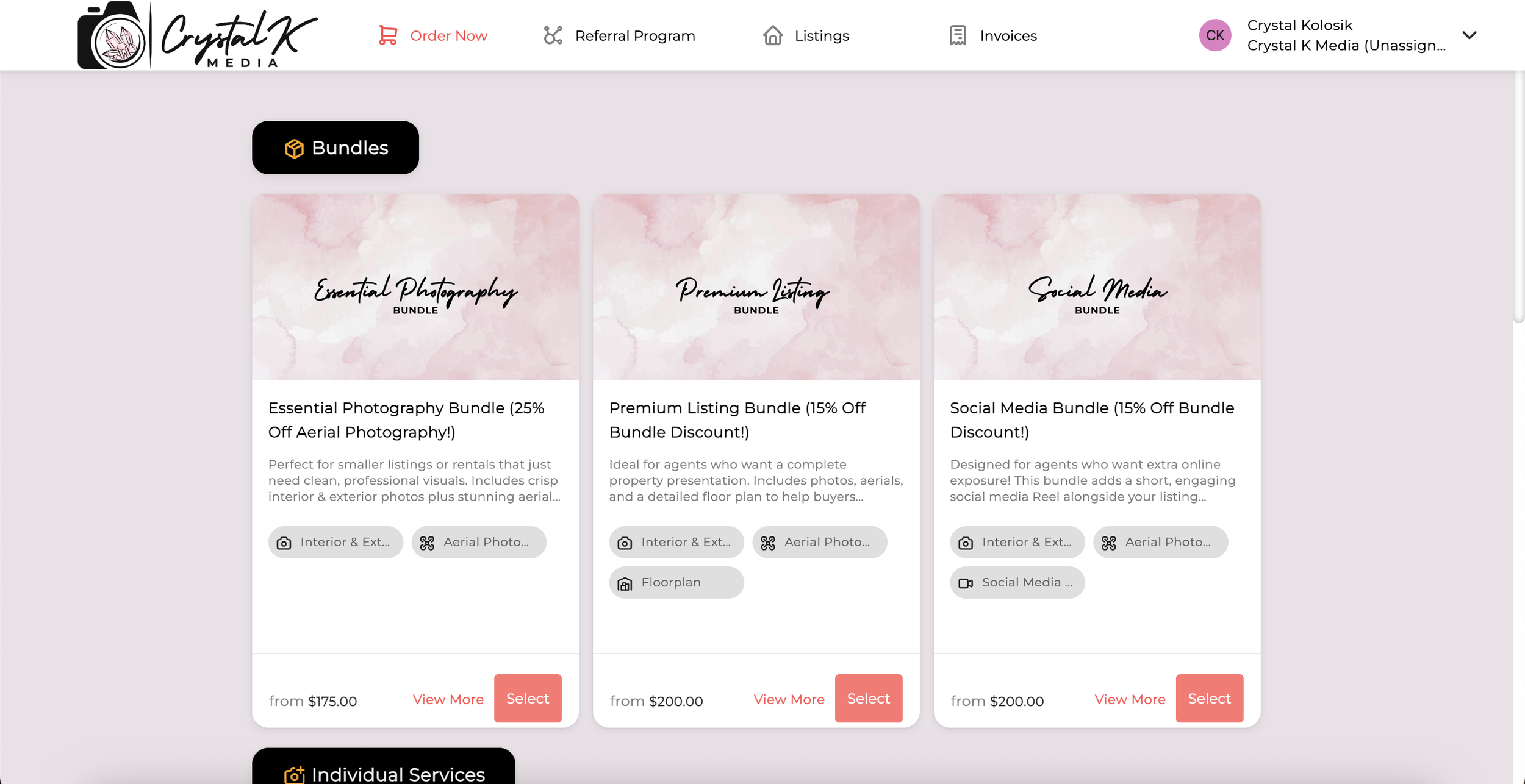
When you click “Book Now” you’ll be directed to my order page where you will see my services and discounted bundles as well as their prices. You only need your email or phone number and create a password to be listed as a new agent in my part of the system. (You can see my pricing without making an account by clicking “See Pricing”, otherwise my prices are listed under my Services.)
Your Account
After you’ve created an account you’ll be able to place an order, see your referral code, your listings, and your invoices. (More on those below.) On my admin part of the system you’ll be added as a new agent!
Placing an Order
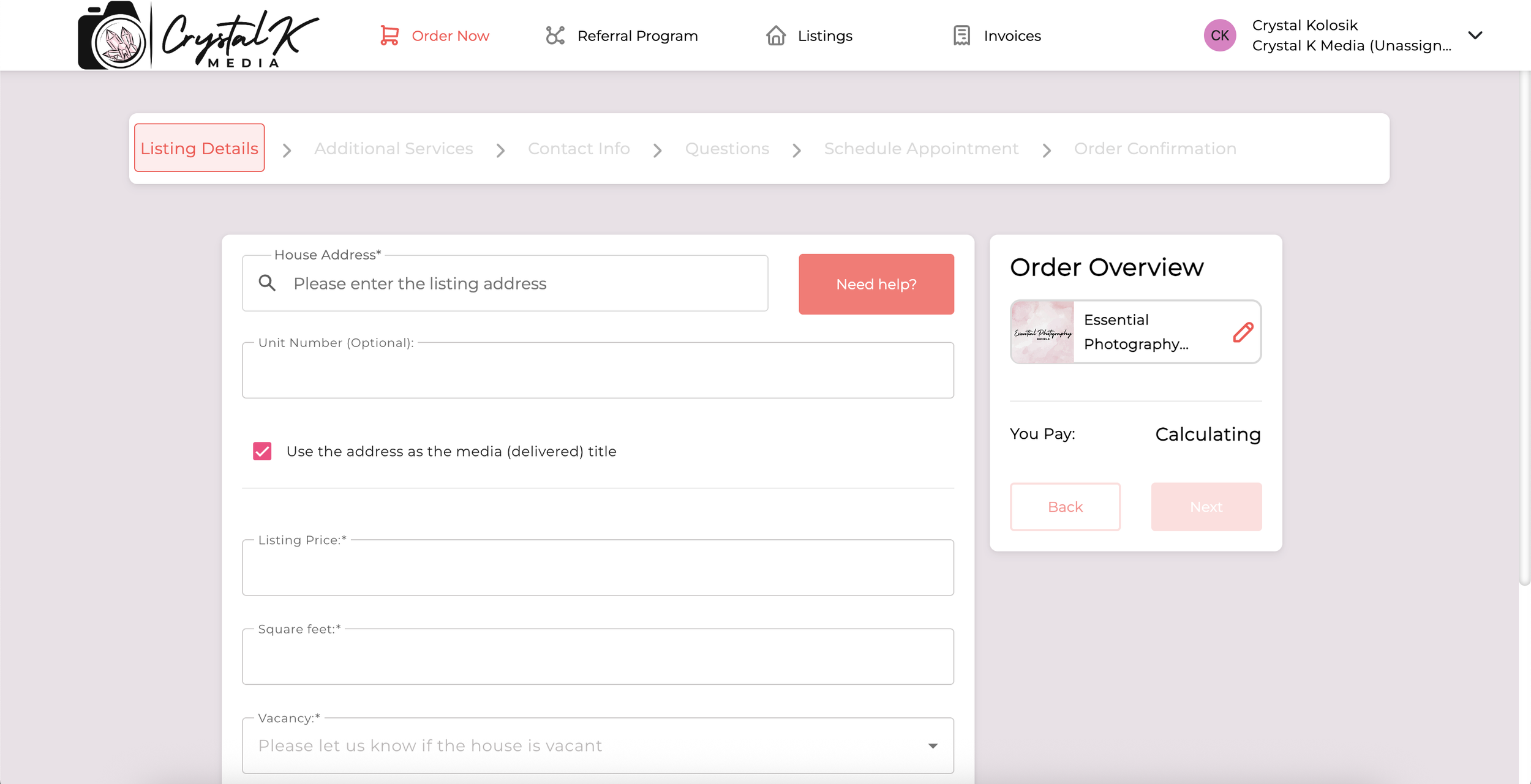
Pick a service or bundle that you’d like to order. You’ll first be asked for the listing address, listing price, square footage, whether the house is occupied or vacant, and whether you want pictures of the basement and the garage. Then, you’ll put in your contact info if it doesn’t autofill automatically.
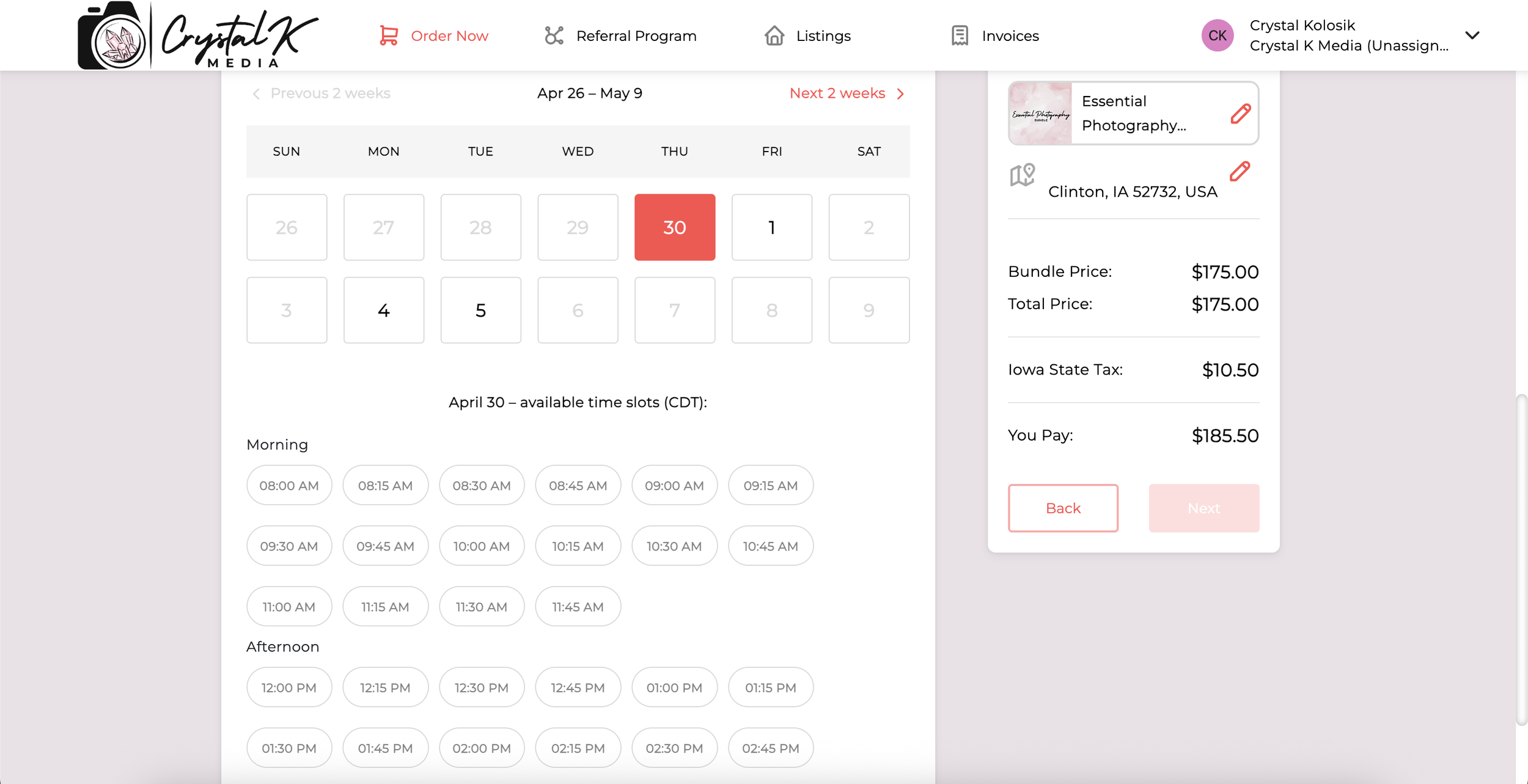
Scheduling an Appointment
You’ll then be asked how I (the photographer) will access the property - by either joining yourself (the agent), by lockbox, or by the home owner. After that, you’ll be able to select a date and time that works best for you! (I have my Google Calendar synced to this, so any dates or times that are greyed out are spots that I already have appointments booked or have scheduled time off.)
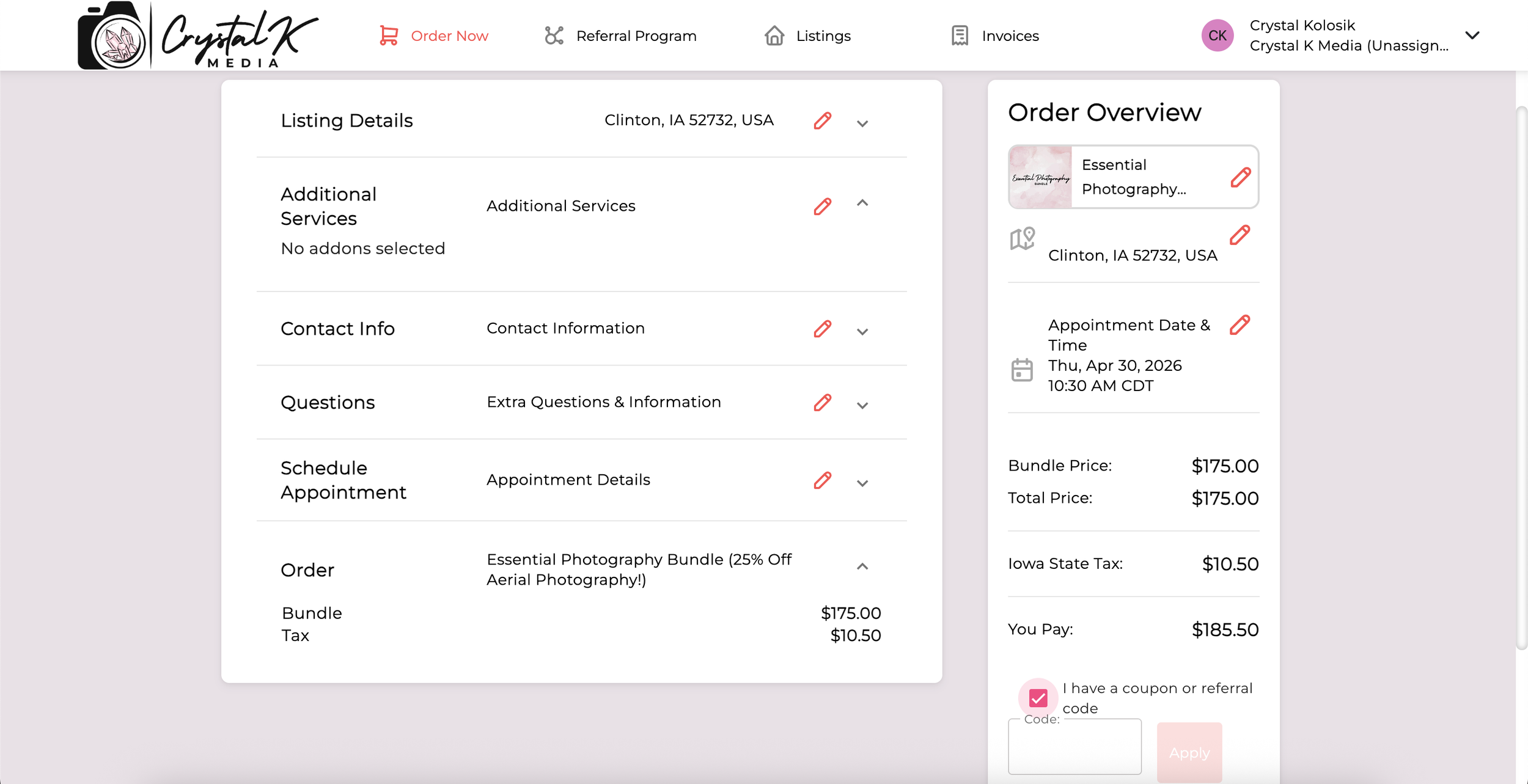
Submitting the Order
Finally you’ll be brought to the order overview page where you can review everything before submitting. This is also where you can enter any coupon codes or referral codes (see below for information on referring other agents!) It will tell you the price, but you won’t pay anything to schedule the appointment - you pay before you download your photos.
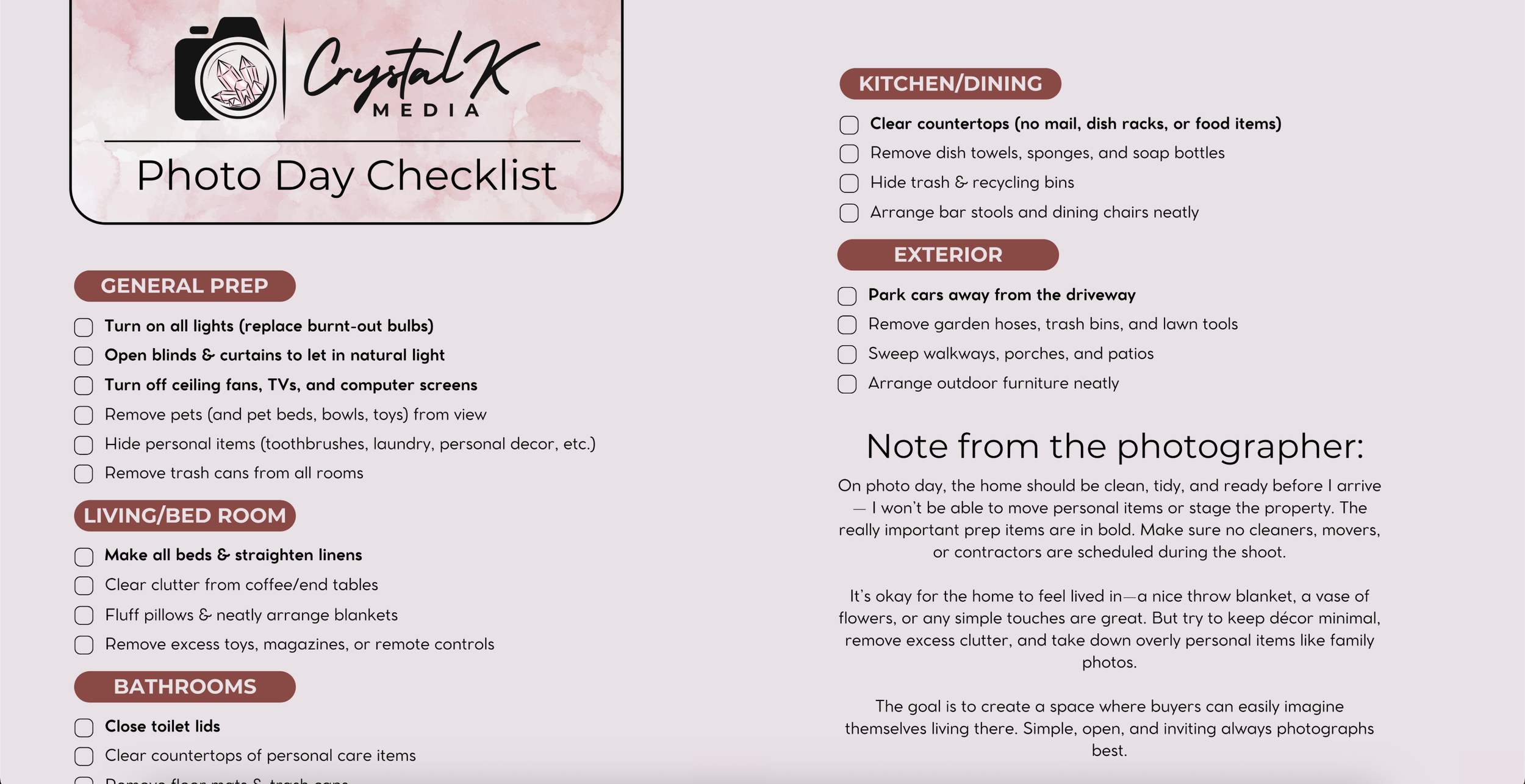
Photoshoot Day
After scheduling your appointment you should get an email confirming it. On the day of our shoot you will receive a text and/or email giving you a Photo Day Checklist to prep the house for photos. You will also receive one that tells you when I’m on my way to the appointment and my estimated arrival time.
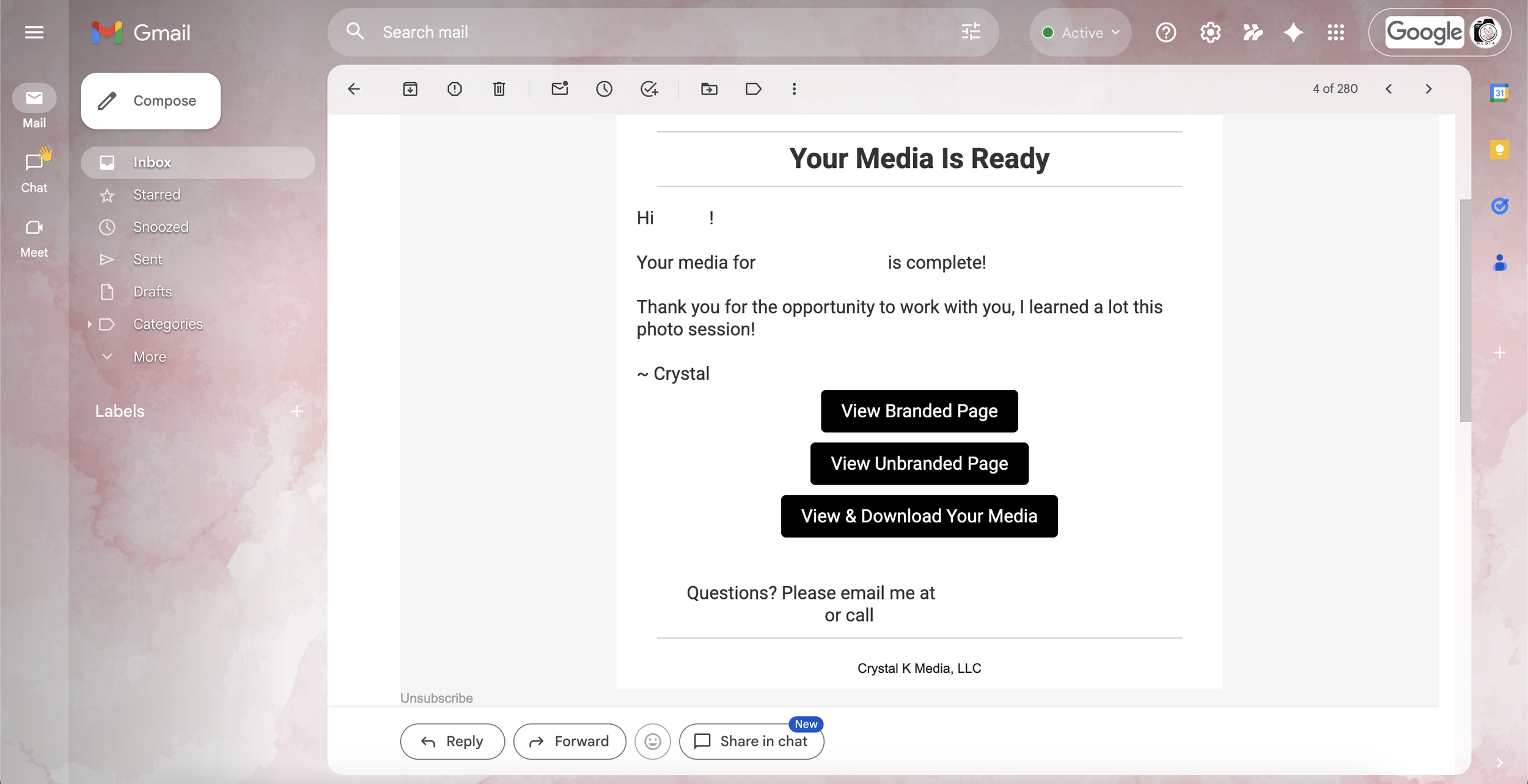
When your photos are ready…
When your media is ready to download in 1-3 days you’ll receive an email from me through Spiro letting you know your media is ready for download!
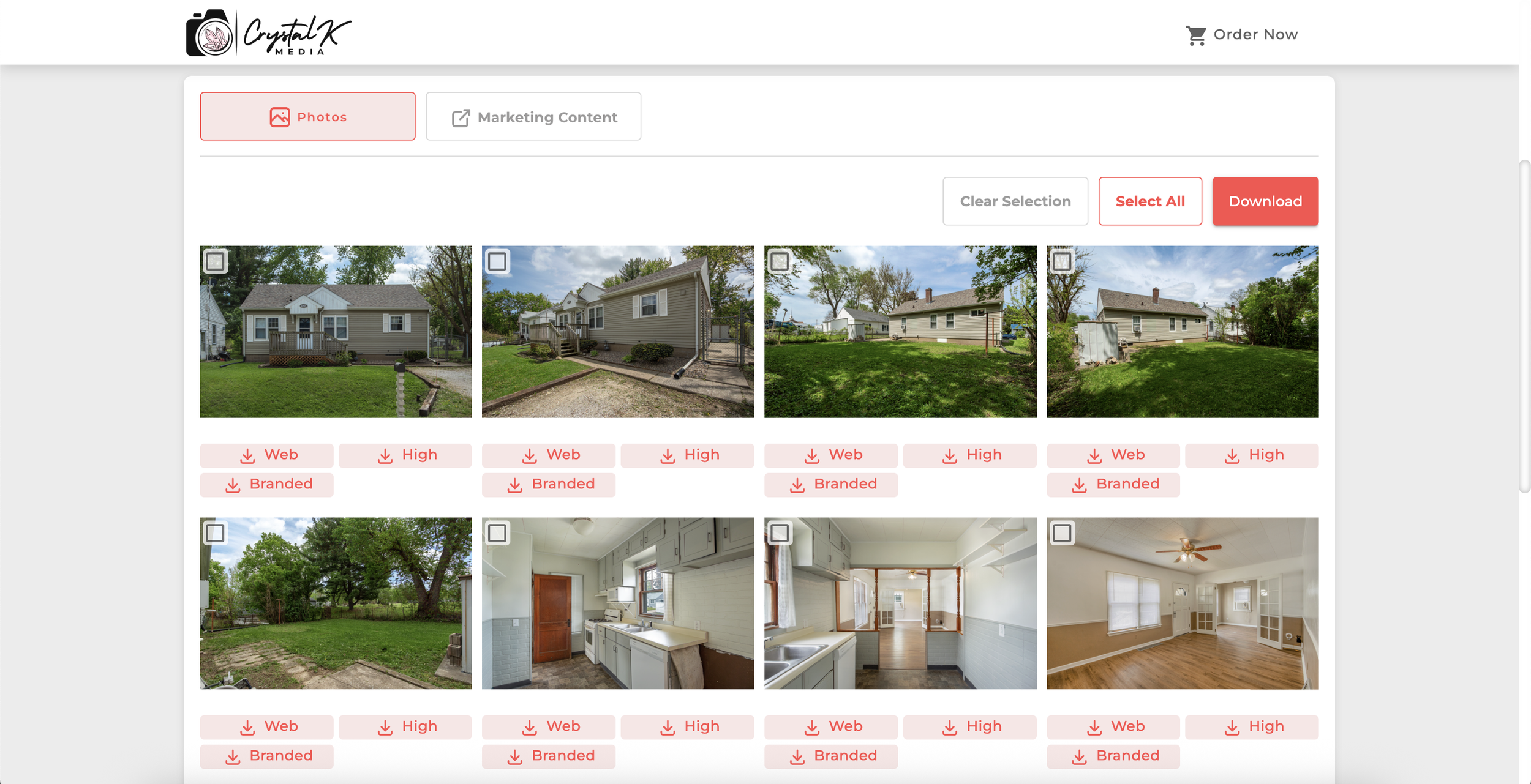
Pay to download…
After clicking “View and Download Your Media” you’ll be taken to the download page where you can preview your photos before purchasing them. They will be watermarked “preview” until after payment. This is to ensure you are happy with the content before you pay for it, and to make you comfortable knowing you weren’t paying for a “no-show” photographer when booking. If you’re happy with the photos you’ll be prompted to pay before you can download them.
More about the order page…
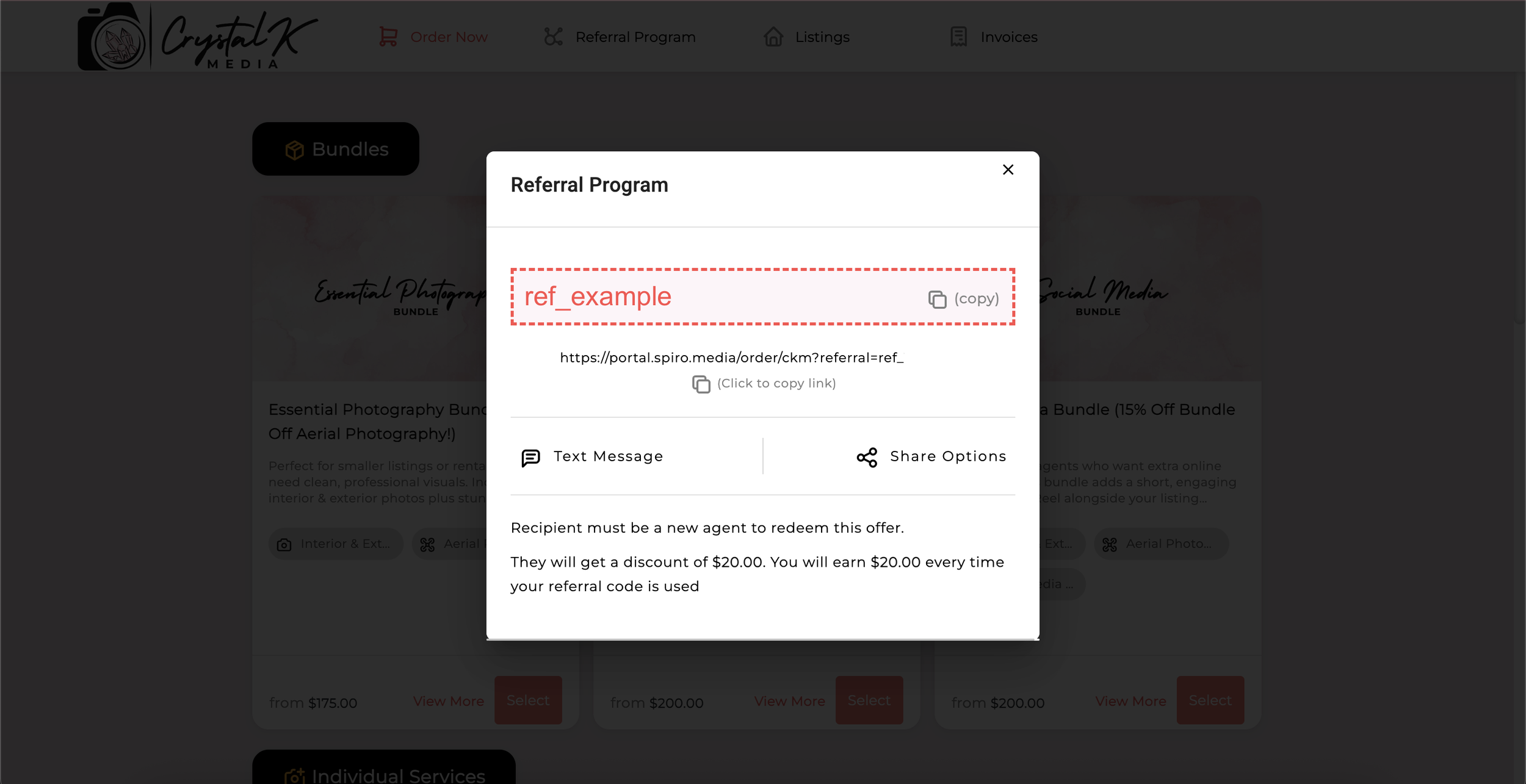
Referral Program
The biggest way my business spreads is by word of mouth, so your referrals mean the world to me! So with your account you get a referral code that is unique to you, if you enjoy my work you can share your code with other agents and they can enter in the code at checkout and get $20 off, while you also get $20 off per referral! I appreciate you helping my small business grow!
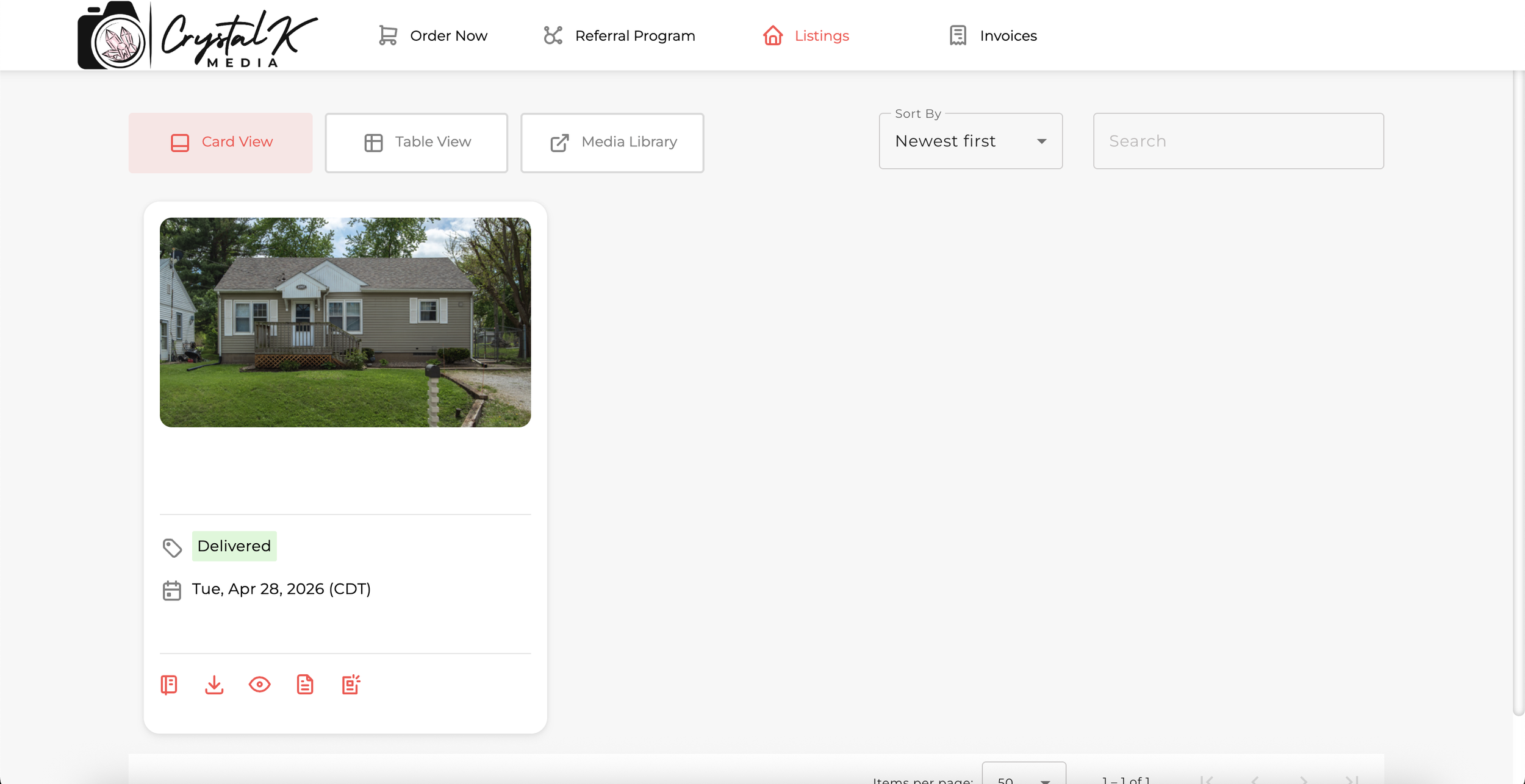
Your Listings
Your current listing status’s and past listings will be shown under the “Listings” tab on your account under my order page.
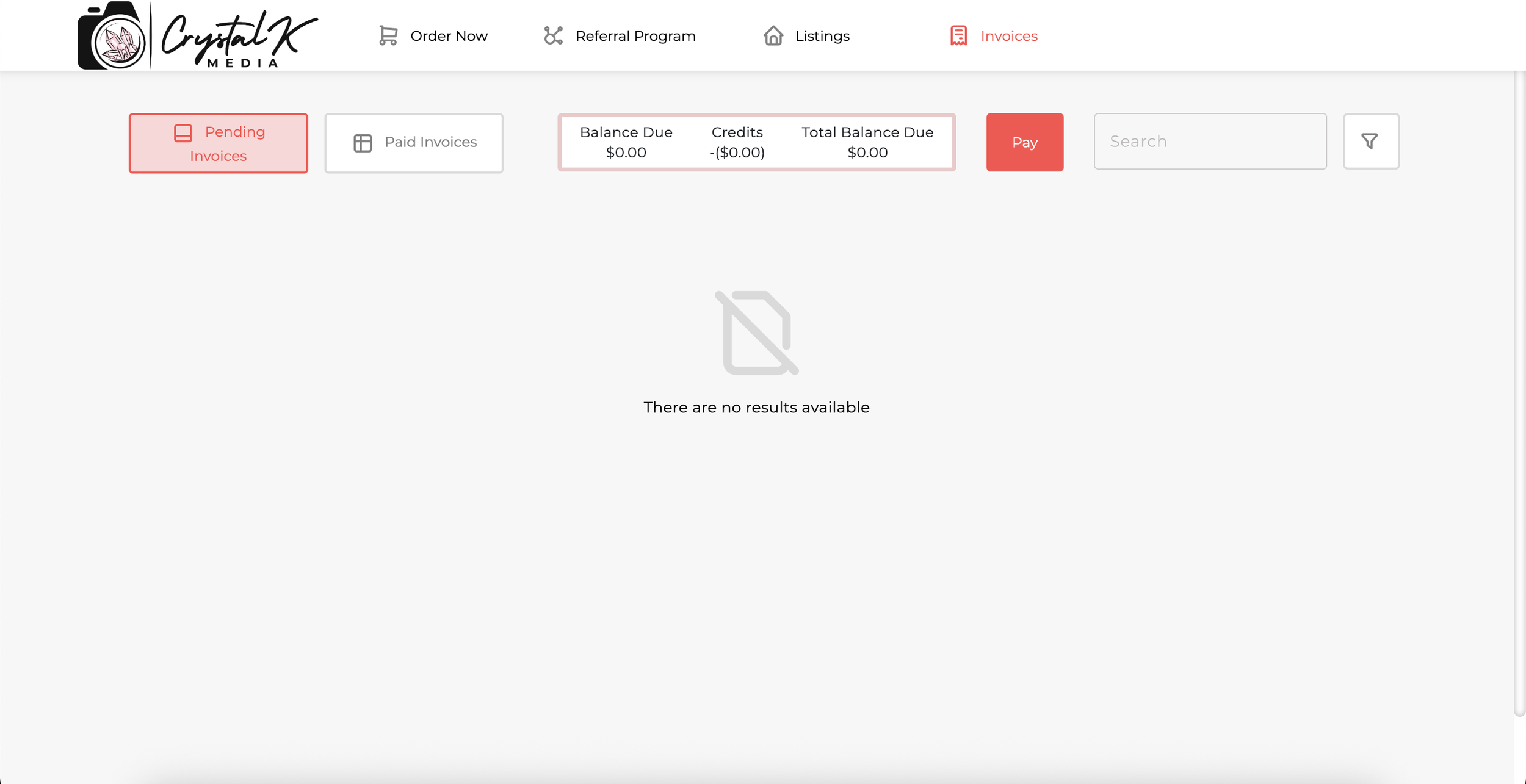
Your Invoices
You’ll be able to see invoices that are due or past paid invoices under the “Invoices” tab on your account under my order page.